
WordPress Versus Webflow CMS for Business Growth
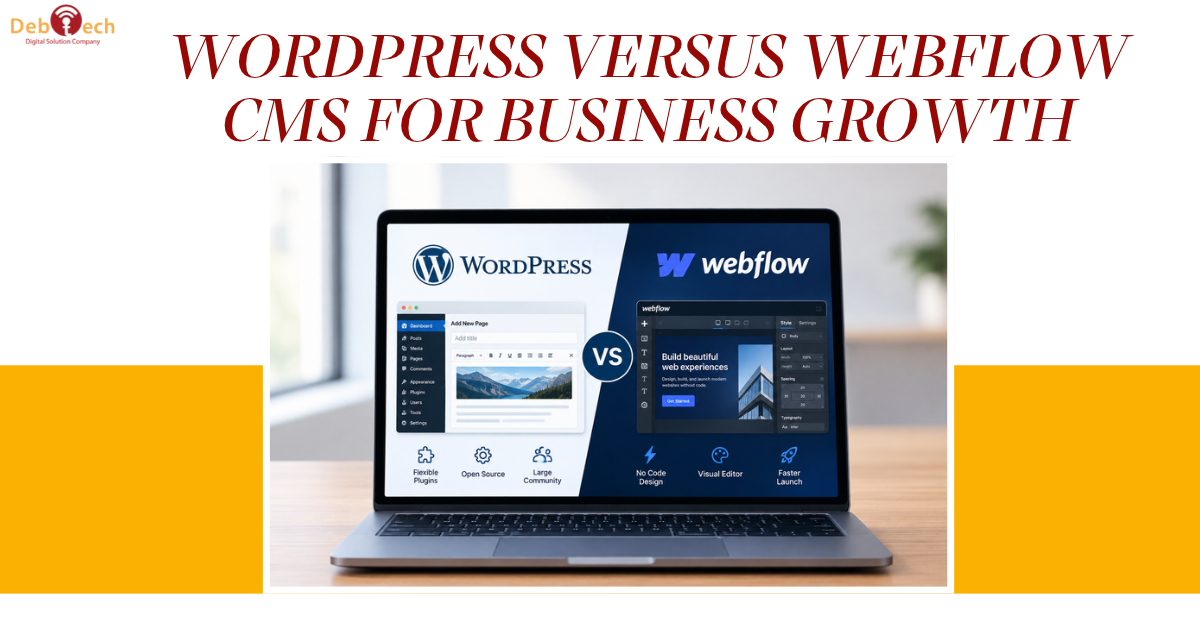
WordPress Versus Webflow CMS for Business Growth
A website platform decision becomes expensive when it slows down campaigns, limits content production, or forces your team to work around the system instead of through it. WordPress versus Webflow CMS is not simply a designer-versus-developer debate. For a growing business, it is a decision about search visibility, conversion control, publishing workflow, integrations, and who can reliably maintain the site after launch.
Both platforms can support a high-performing business website. Neither is automatically the better choice. The right answer depends on the complexity of your marketing operation, the volume and structure of your content, and how much flexibility you need as your business changes.
WordPress Versus Webflow CMS: The Core Difference
Webflow is a visual website platform that gives designers significant control over layout, interactions, and responsive behavior without requiring them to hand-code every page. Its CMS lets teams create structured content, such as team profiles, case studies, locations, service pages, or blog posts, from defined collections and templates.
WordPress is a content management system with a much broader ecosystem. It can run a straightforward marketing site, but it can also support advanced publishing systems, custom workflows, membership experiences, large resource libraries, integrations, and highly tailored functionality. Its flexibility comes from themes, plugins, custom development, and a mature global developer community.
That distinction matters. Webflow often feels more controlled out of the box. WordPress can be shaped around the business, but it requires stronger implementation discipline. A poorly built WordPress site can become difficult to manage. A Webflow site designed without a content strategy can look polished while becoming restrictive as pages, campaigns, and SEO requirements multiply.
Design Control and Conversion Performance
For businesses investing in lead generation, design should do more than create a good first impression. It needs to direct attention, reduce friction, establish credibility, and make the next step obvious on every device.
Webflow is particularly strong for marketing teams that need high-fidelity design execution. Designers can control spacing, typography, breakpoints, animation, and component behavior with impressive precision. This can reduce the gap between a design concept and the final website, which is valuable for brands where presentation and speed of campaign deployment matter.
WordPress can achieve the same conversion-focused result, especially through a custom-built theme or carefully configured block-based system. The difference is that WordPress offers more implementation paths. That creates flexibility, but it also creates more opportunities for inconsistent layouts, overloaded plugins, and pages that drift away from the original conversion strategy.
For either platform, the real question is governance. Can your team create a new landing page without breaking mobile spacing? Can it update a call to action consistently across the site? Can it test a new message, form flow, or service offer quickly? Platform choice helps, but a defined component system and approval process protect conversion performance over time.
SEO Is an Operating System, Not a Platform Checkbox
Both WordPress and Webflow can support strong organic search performance. Each allows teams to control essential on-page elements, including page titles, meta descriptions, headings, image alt text, redirects, canonical settings, and XML sitemaps. A platform alone will not create rankings.
Webflow provides a clean environment for teams that want to manage fundamental SEO settings directly within the site builder. When the site architecture is straightforward and the content model is well planned, it can be an efficient choice for service businesses, professional firms, and focused marketing websites.
WordPress has an advantage when SEO becomes operationally complex. Businesses with large content libraries, location-driven pages, detailed resource centers, advanced schema requirements, editorial workflows, or specialized integrations often benefit from its depth. It can accommodate nearly any SEO strategy, provided the site is configured with performance, security, and technical quality in mind.
For local businesses in Northern Virginia and the DC metro area, the platform question should follow the search strategy. If growth depends on building targeted pages for multiple services, cities, industries, and proof points, ask whether the CMS makes that expansion organized and sustainable. Publishing one page is easy. Maintaining hundreds of accurate, internally connected pages is where CMS structure starts to matter.
Page speed also requires clear thinking. Webflow can produce efficient front-end output when built carefully, but heavy media, unnecessary animations, and third-party scripts still affect performance. WordPress can be extremely fast, but plugin overload, poor hosting configuration, and unoptimized templates can create problems. Technical SEO depends on the build quality and ongoing maintenance, not the logo in the website footer.
Content Management at Different Levels of Complexity
A CMS should make recurring work easier. Before selecting either system, identify the content your team expects to publish over the next two years, not just the pages needed for launch.
Webflow CMS works well when content follows a consistent pattern. For example, a company may need a reusable structure for insights, case studies, job openings, team members, or service-area pages. Once those collections and templates are designed correctly, nontechnical users can publish within clear guardrails.
WordPress is generally better suited to organizations with more varied publishing needs. It can support multiple content types, custom fields, user roles, editorial review stages, and integrations that connect the website to the wider marketing operation. This is useful when a site needs to evolve from a brochure into a central growth asset.
The trade-off is operational responsibility. WordPress requires regular updates, plugin oversight, backups, security monitoring, and quality assurance. These tasks are manageable with the right development partner and maintenance process, but they should not be ignored. Webflow reduces some of that platform management, although it does not remove the need for content quality control, analytics validation, or conversion testing.
Integrations, Flexibility, and Future Requirements
Most businesses eventually need their website to communicate with other systems. Forms may need to route leads correctly. Analytics must capture meaningful events. Marketing teams may need tracking scripts, CRM connections, automation tools, scheduling functions, or custom application features.
WordPress typically offers greater flexibility when requirements are unusual or likely to expand. Its ecosystem and custom development options make it a practical foundation for organizations that expect deeper integrations, advanced functionality, or highly tailored content experiences. That flexibility should be managed carefully. Adding a plugin for every request creates technical debt instead of business value.
Webflow handles many common marketing needs effectively and can connect to external tools through native options or automation platforms. It is often a strong fit when the website's job is to present the brand clearly, capture leads, publish structured content, and support targeted campaigns. When a requirement moves beyond Webflow's intended framework, however, workarounds can become harder to maintain than a purpose-built WordPress solution.
Avoid selecting a platform based only on today's homepage. Consider the next version of the business: new markets, expanded service lines, larger content needs, sales process changes, and reporting requirements. A website should support that direction without demanding a rebuild every time the marketing plan gains momentum.
When Webflow Is the Better Business Choice
Webflow is often the right choice for a brand-led marketing site with a defined scope, a strong need for visual control, and a team that values a more contained editing environment. It works especially well when content structures are predictable and campaign pages need to stay close to the approved design system.
Choose Webflow when speed of visual execution and consistency are more valuable than unlimited extensibility. It can give marketing teams a focused platform that is easier to keep clean, provided the initial architecture accounts for SEO, mobile behavior, and future content collections.
When WordPress Is the Better Business Choice
WordPress is often the stronger option for businesses that need a website to become a flexible growth engine. That includes organizations with aggressive content plans, multi-location SEO goals, complex lead flows, custom integrations, or requirements that are likely to change as operations scale.
Choose WordPress when the website must adapt to the business rather than asking the business to adapt to platform constraints. The condition is nonnegotiable: build it with a clear technical standard. A custom, conversion-focused WordPress implementation with controlled plugins and documented workflows performs very differently from a patched-together theme installation.
Make the Decision Around Revenue Operations
The best CMS is the one that lets your team launch campaigns faster, publish useful content consistently, measure lead quality, and improve the customer journey without introducing unnecessary risk. Start with the conversion path, content model, SEO roadmap, and integration requirements. Then select the platform that supports those priorities with the fewest compromises.
A polished website is valuable. A website that can keep improving as your sales and marketing operation grows is far more valuable. Build for the work your team needs to do next, not only for the pages you need to launch now.